Boots taking minutes, apps constantly spinning, pop-ups everywhere — we reinstall the OS and drivers on-site, back up and migrate your files first, and set up office software and the printer in one go. Most jobs are done the same day.
on-site diagnosis
most jobs done
system warranty
all Shanghai
Repairs, maintenance, upgrades and setup — most OS Reinstall work can be handled on site
Install and activate a genuine OS, load all drivers in one pass, and configure office and common software to your habits.
Book now
Match network, GPU, audio and printer drivers one by one, and install industry software and plugins as before.
Book now
Back up desktop, documents and chat history before touching anything, restore after, and securely clean old-device data.
Book now
Disable useless startup items, clear resident background apps and system junk — old machines speed up noticeably.
Book now
Re-partition the system drive, expand after adding an SSD, and set up and repair dual boot if needed.
Book now
Blue screens, stuck at boot, lost boot — do non-destructive repair first, reinstall only if necessary, preserving files.
Book nowWe diagnose step by step on site, locate the real fault, then quote
Check startup items and drive health first — optimize if possible, reinstall otherwise.
Check RAM and disk usage, clear resident background apps, replace SSD if needed.
Remove bundled software and browser extensions, block pop-up sources.
Use error codes to locate driver or memory issues, repair before considering reinstall.
Repair with a boot disk, and rescue data first where possible.
Install a genuine OS to the new drive and migrate the old drive's data to use as a secondary disk.
Adjust partitions or clean system files to free space.
Check license status and re-activate/configure to your situation.
Fully back up and migrate first, and confirm everything's there before starting.
On-site diagnosis is free; the final price follows the itemized quote after diagnosis, and you confirm before we repair
| Item | Price range | Notes |
|---|---|---|
| On-site diagnosis | Free | First see if it can be fixed, then decide on reinstall |
| OS reinstall (standard) | From RMB 100 | Includes genuine OS, drivers and common software |
| OS reinstall + data migration | From RMB 150 | Includes backup, migration and restore |
| Driver & software install | From RMB 80 | Includes driver matching and office software setup |
| Slowdown tuning & cleanup | From RMB 80 | Startup, background and system junk cleanup |
| Partition / disk expansion | From RMB 80 | Includes partition planning and boot repair |
| Dual boot install | From RMB 150 | Includes partitioning and boot config |
| System fault repair | From RMB 100 | Blue screen, boot and system file repair |
| SSD upgrade + OS install | From RMB 150 (excl. hardware) | Includes drive install, OS and data migration |
Six steps from the first call to acceptance and payment
Tell us the brand, age and where it gets stuck; we call back within 30 minutes
Check whether hardware is the issue and whether to repair or reinstall; diagnosis free
Back up desktop, documents and chat history, confirm before touching anything
Genuine OS + full drivers, office software configured as needed
Restore files and test opening, printing and browsing on the spot
Go through the notes, 90-day system warranty
From office towers, parks and chain stores to homes — bookable across the city
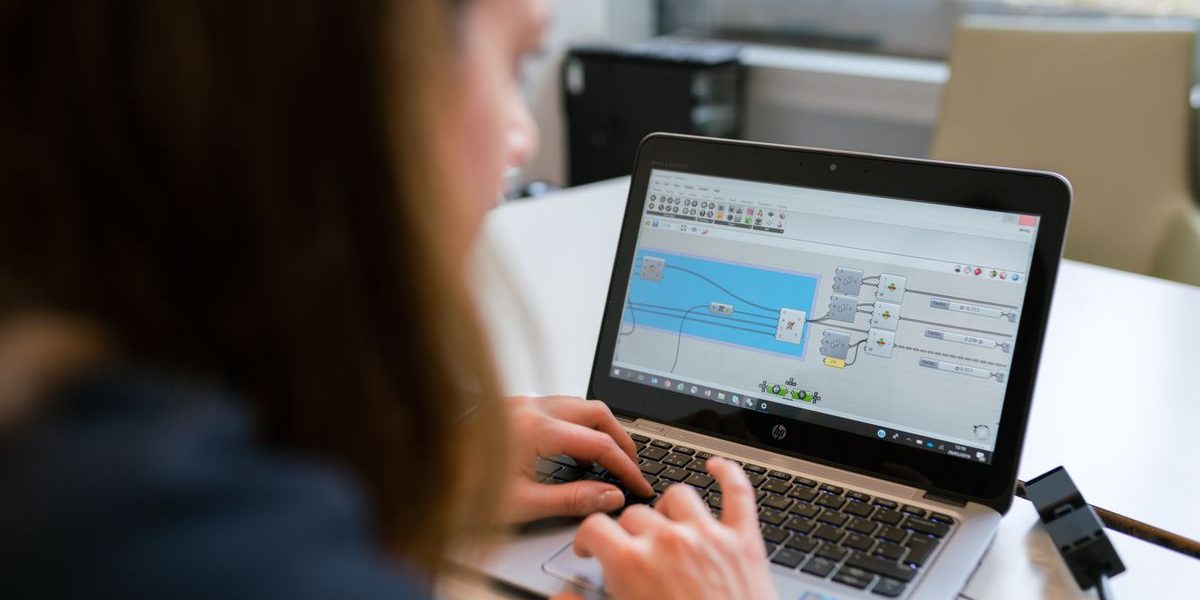
Backed up the code repo and configs first, then reinstalled and restored the dev environment, IDE and plugins exactly — working again the same day.
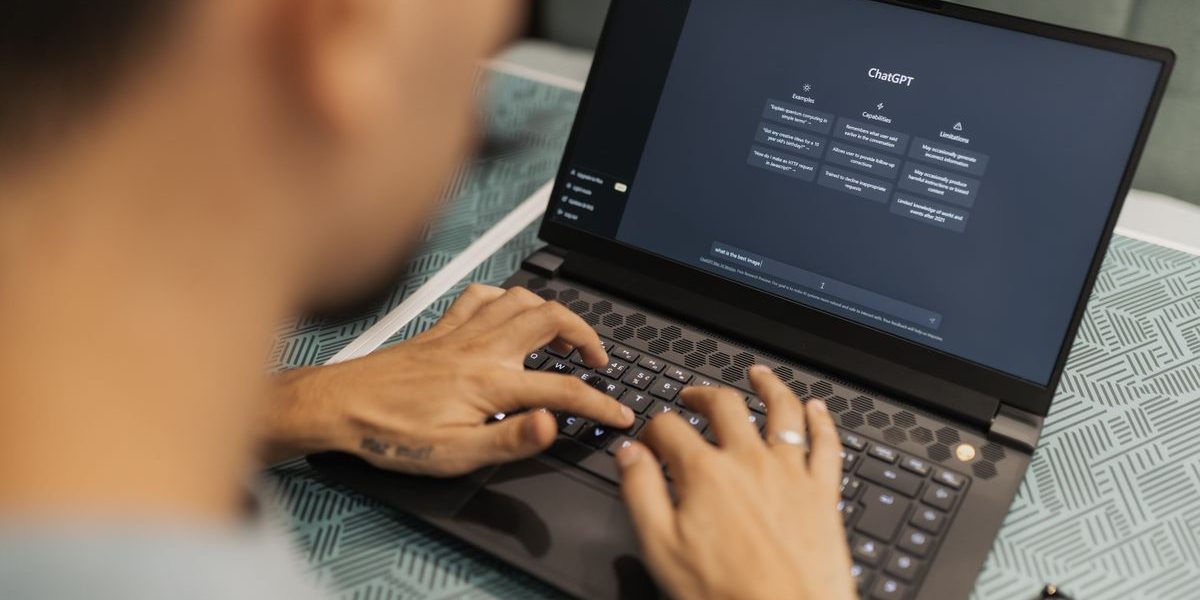
Found thermal throttling and an aging drive; replaced the SSD and reinstalled, then reconfigured the reporting software and printer drivers.
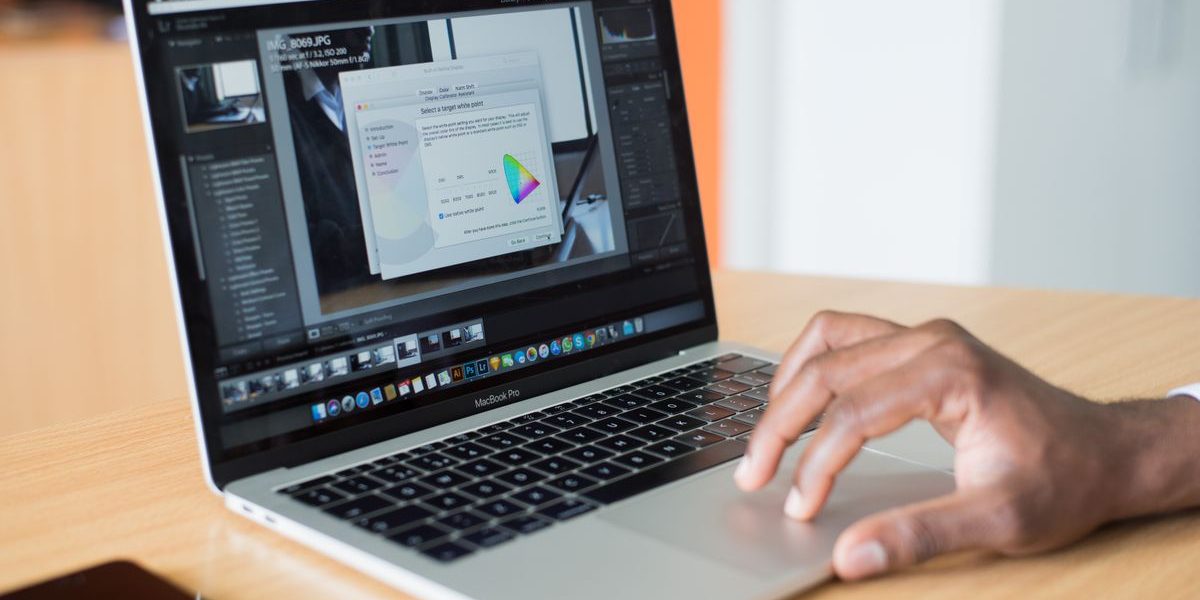
Traced the error code to a loose RAM stick; after cleaning and reseating, no more blue screens and no reinstall needed — data untouched.
Installed the OS on a new SSD, migrated the old drive's data wholesale, remounted design software and fonts — noticeably faster output.
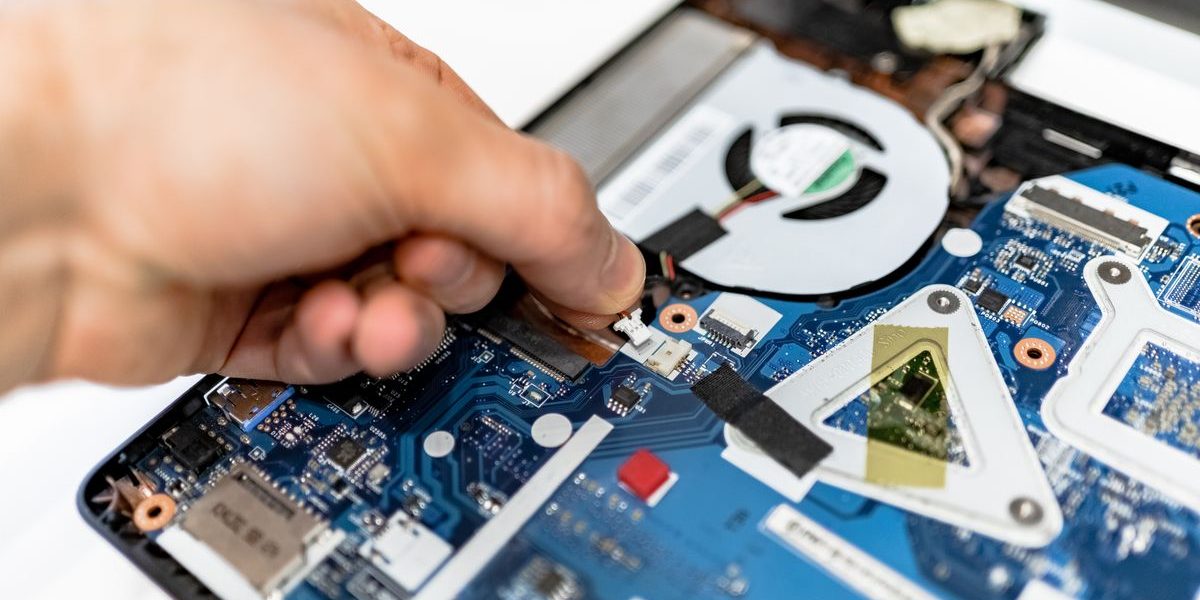
Removed bundled software and browser extensions, reinstalled with protection so kids' online classes aren't interrupted by pop-ups.
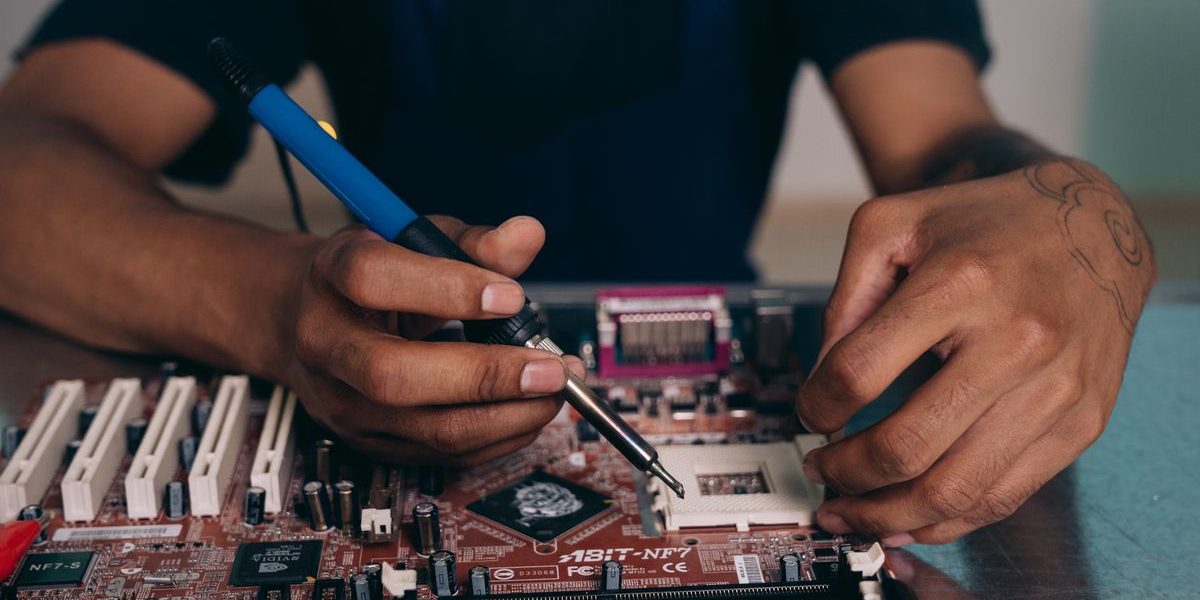
Imaged all machines to the teaching-software list, tested restore and software on each — all ready before term.
What you most want to know about on-site OS Reinstall
Standard reinstall from RMB 100, or RMB 150 with data migration. SSD and dual-boot are extra; on-site diagnosis comes first and is free, and you confirm the quote before we start.
We fully back up and migrate first and only start once your files are confirmed safe. Old-device data is securely cleaned before disposal.
Most jobs finish the same day, around two to three hours. Large data migration or hardware replacement may run into the next day.
Yes. Office software, industry software and printer drivers are set up the way you used them, tested before we leave.
We install a genuine OS. Licensing is handled to your machine's situation, and we explain the current state when done.
Not necessarily. We diagnose first and repair where possible — many blue-screen, slowdown and boot issues are fixable, and we only suggest reinstall when repair won't do.
Describe the device and the symptoms; our technician brings the right tools and common parts. Diagnose first, quote after, and repair only once you approve.

WeChat ID: 17887942669
Long-press to scan, or copy the ID to add us