Set up a business VPN so staff can securely reach the office network from home, hotels or client sites — file sharing, ERP and OA work as usual, and data never travels as plaintext. Accounts are role-based and revoked when someone leaves.
response callback
current-state assessment
remote support
all Shanghai
From access tunnel to account permissions in one go; we look at your network and devices first, then design the plan

Deploy a VPN service on your network so staff can reach the office securely from home, travel or client sites, on Windows, Mac and phones.
Book now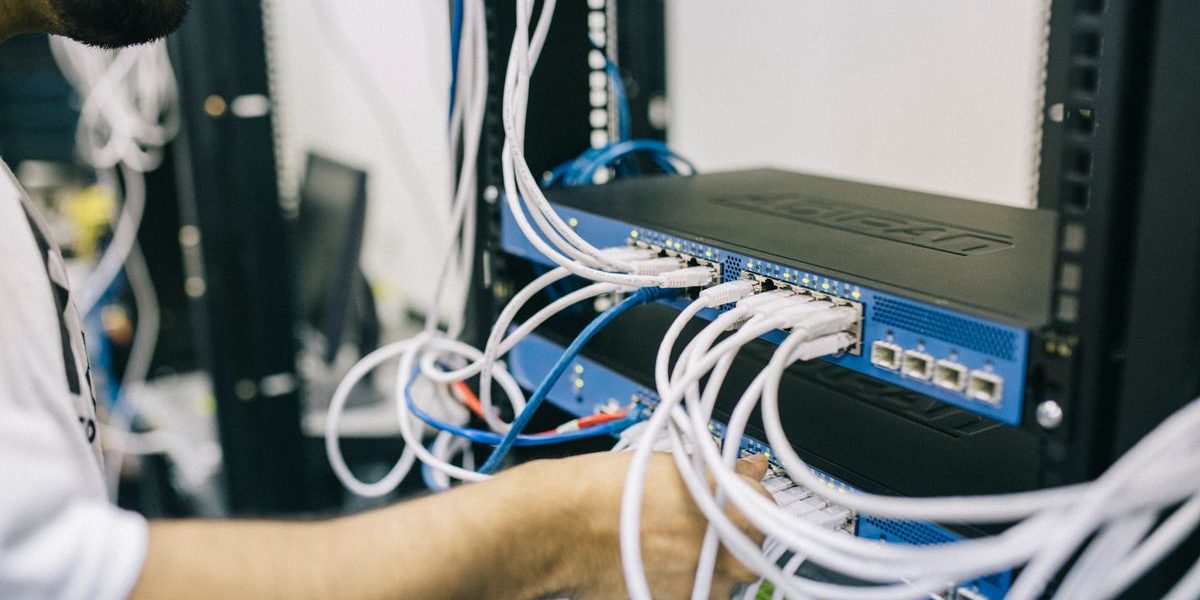
Open file sharing, ERP, OA and inventory — previously office-only systems — to remote staff by role.
Book now
Accounts and permissions by role, with a clear view of who can see what; offboarding revokes access promptly and logs are auditable.
Book now
Firewall and access policies, patching and antivirus, login alerts for anomalies — internal data stays protected.
Book now
Connection, speed and permission issues are fixed remotely, and new colleagues are trained as they onboard.
Book now
We look at your broadband, router and devices before designing: lightweight for small teams, point-to-point for multi-store or HQ-branch.
Book nowWe diagnose step by step on site, locate the real fault, then quote
Deploy a remote access tunnel and open internal apps by permission.
Check internal addresses, ports and permissions, get apps reachable.
Check uplink bandwidth, routing and encryption settings, retest speed.
Configure remote access and read/write permissions for shared folders, map drive letters.
Build accounts by role and an offboarding process; deactivate the same day.
Enable access logs and audit trails, trace anomalies.
Size concurrency and bandwidth, upgrade devices or adjust policy if needed.
Set up point-to-point networking between branch and HQ.
Encrypted tunnel + tiered permissions + firewall policy, tightened together.
On-site diagnosis is free; the final price follows the itemized quote after diagnosis, and you confirm before we repair
| Item | Price range | Notes |
|---|---|---|
| Current-state assessment | Free | Network and device inventory + plan advice |
| Lightweight (up to 10 users) | From RMB 1500 | Includes device config and per-device client setup |
| Business (10–50 users) | From RMB 3000 | Includes tiered permissions, logging and training |
| Multi-site (HQ-branch) | From RMB 5000 | Priced by sites and bandwidth needs |
| Internal app access | From RMB 800 | File sharing, ERP and OA connected |
| Account & permission cleanup | From RMB 500 | Includes account setup and offboarding process |
| Security hardening | From RMB 800 | Firewall policy, patching and login alerts |
| Remote support | From RMB 200/visit | Config changes and troubleshooting |
| Annual maintenance | Negotiable | Inspection + emergency + usage Q&A |
Six steps from the first call to acceptance and payment
Tell us headcount, remote-work needs and current devices; we call back within 30 minutes
Look at broadband, router and network structure to pick the right approach
Confirm user count, systems to access and permission scope
Deploy the tunnel, set permissions, install and tune clients one by one
Staff test connectivity and speed, learn daily use
Deliver an account list and usage notes; annual maintenance available
From office towers, parks and chain stores to homes — bookable across the city

Field staff need on-demand access to documents; we set up encrypted access with fine-grained permissions, so data is only visible within authorized scope and access is logged.

The dev team works across two cities; we connected the code and test environments over the intranet and tuned it for noticeably faster file transfers.

Sales staff need inventory and quotes on the road; we opened ERP access with role-based permissions, so key data is viewable even on phones.

We set up point-to-point networking between HQ and two plants, so production data and drawings flow over the intranet instead of USB sticks.
Every warehouse computer connects to company systems, with permissions separated by warehouse so only on-duty staff see the relevant inventory.

Teaching materials shared across campuses with department-level permissions, and accounts for leavers and transfers revoked the same day.
What you most want to know about on-site Business VPN & Remote Work
Most of the time, yes. Ordinary broadband doesn't allow outside access to the intranet by default, and exposing ports directly is risky. The solution uses an encrypted tunnel to safely open the intranet to designated people.
Windows, Mac, phones and tablets. Desktops and laptops just need the client installed; staff can check approvals and documents on their phones too.
No. On-site work starts by looking at the existing structure and bandwidth, and we schedule the switch after hours or on weekends, testing each part before handover.
Access runs over an encrypted tunnel, permissions are tiered by role, access is logged, and anomalous logins trigger alerts. Data never sits on third-party platforms — it stays on your own equipment.
Up to 10 users generally from RMB 1500, 10–50 users from RMB 3000, and multi-site by site count. We assess your network for free and give you a plan and quote to confirm.
Connection, speed and permission issues can usually be fixed remotely, from RMB 200/visit; annual-maintenance clients get support within the agreed scope.
Describe the device and the symptoms; our technician brings the right tools and common parts. Diagnose first, quote after, and repair only once you approve.

WeChat ID: 17887942669
Long-press to scan, or copy the ID to add us